

I noticed some time ago that three Mastodon features had stopped working on my blog. Each of them seemed like a separate problem, but they had the same root cause. In this blog post, I aim to describe these issues and propose a simple solution.
Domain verification
Mastodon allows you to prove that you own a domain. The mechanism requires two steps:
- Add a
<link rel="me">tag in your pages, pointing to your Mastodon profile - Add your website URL to your Mastodon profile
When Mastodon crawls your page and finds the backlink, it displays a green checkmark next to your URL in your profile.
I had set this up long ago and made it work for my blog and GitHub. Then, the blog link stopped working, while GitHub’s still worked. It made me sad, but I couldn’t understand what changed.
Post preview
When you share a link on Mastodon, your instance crawls the page to generate a preview card. It reads the page’s OpenGraph tags: title, description, and image.
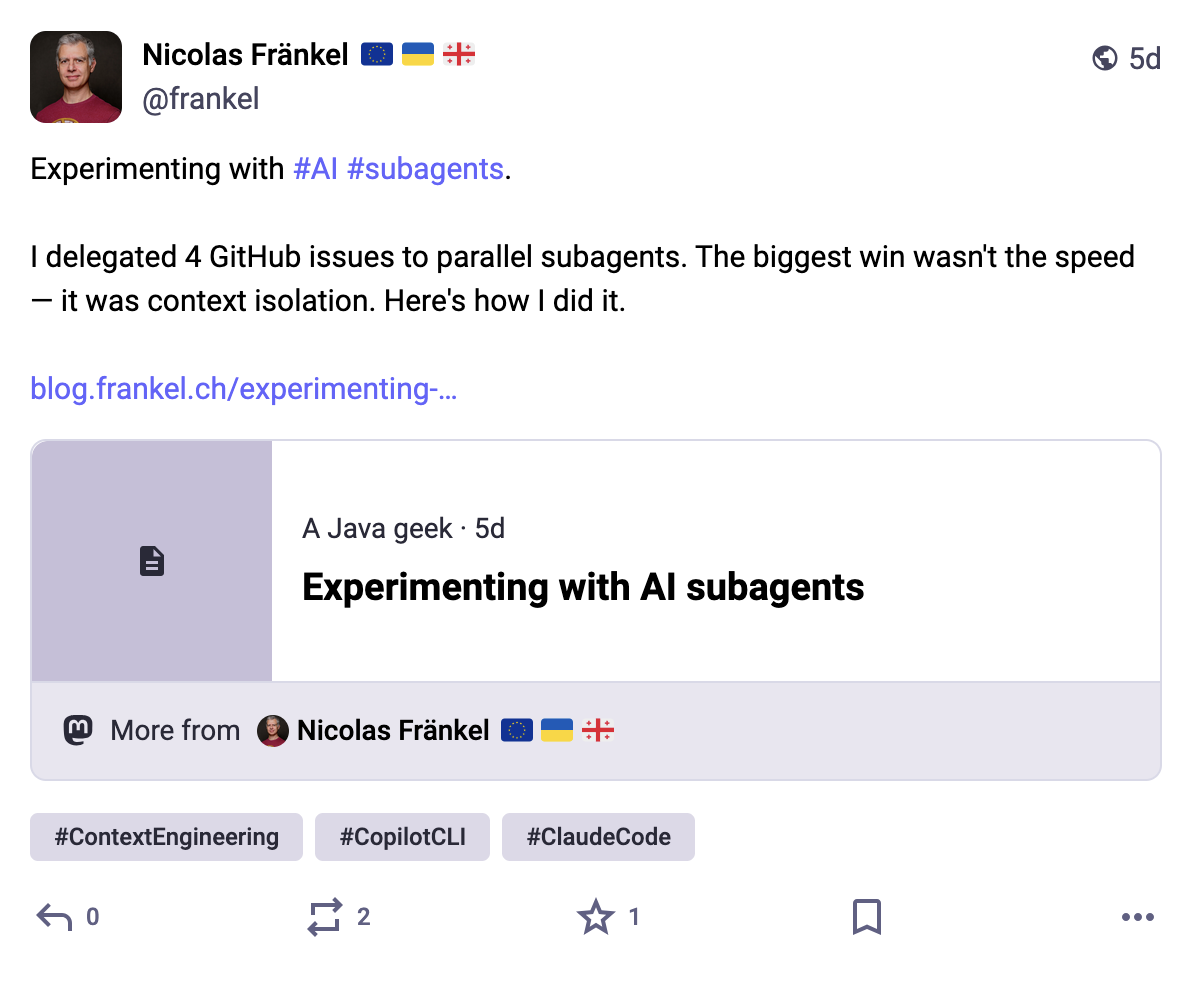
My blog had all the correct tags. Yet every blog post I shared appeared as a plain link with no card. However, all newsletters shared the same preview image, and they mysteriously worked.
Attribution
Mastodon introduced author attribution in version 4.3. If a page contains the following meta tag, Mastodon displays a "By @author" badge when someone else shares the link — and lets their followers follow you directly from the preview.
<meta name="fediverse:creator" content="@[email protected]">This had never worked for my blog since I added it.
The culprit
All three features share the same mechanism: Mastodon’s server needs to crawl your page.
My blog runs behind Cloudflare. I had enabled Bot Fight Mode, a Cloudflare feature that blocks automated traffic it deems suspicious. Services can register domains on Cloudflare to be recognized as good actors. In fact, Bluesky and Twitter have done it.
However, Mastodon was betrayed by its decentralized nature. Each Mastodon instance runs a specific domain; mine is https://mastodon.top. mastodon.top’s crawler runs on Hetzner infrastructure. Hetzner IP addresses carry a high threat score in Cloudflare’s database — they’re a popular choice with bot operators.
When Mastodon’s crawler tried to fetch my pages, Cloudflare served it a JavaScript challenge instead of HTML.
Mastodon’s http.rb client can’t solve JavaScript challenges.
It got no useful response, cached the failure, and moved on.
The fix: turn off Bot Fight Mode in in the Cloudflare dashboard.
Conclusion
This is a well-known issue in both the Mastodon and Cloudflare communities. For a public static blog, Bot Fight Mode offers minimal protection while actively breaking legitimate crawlers. Turning it off fixed all three Mastodon issues at once.