
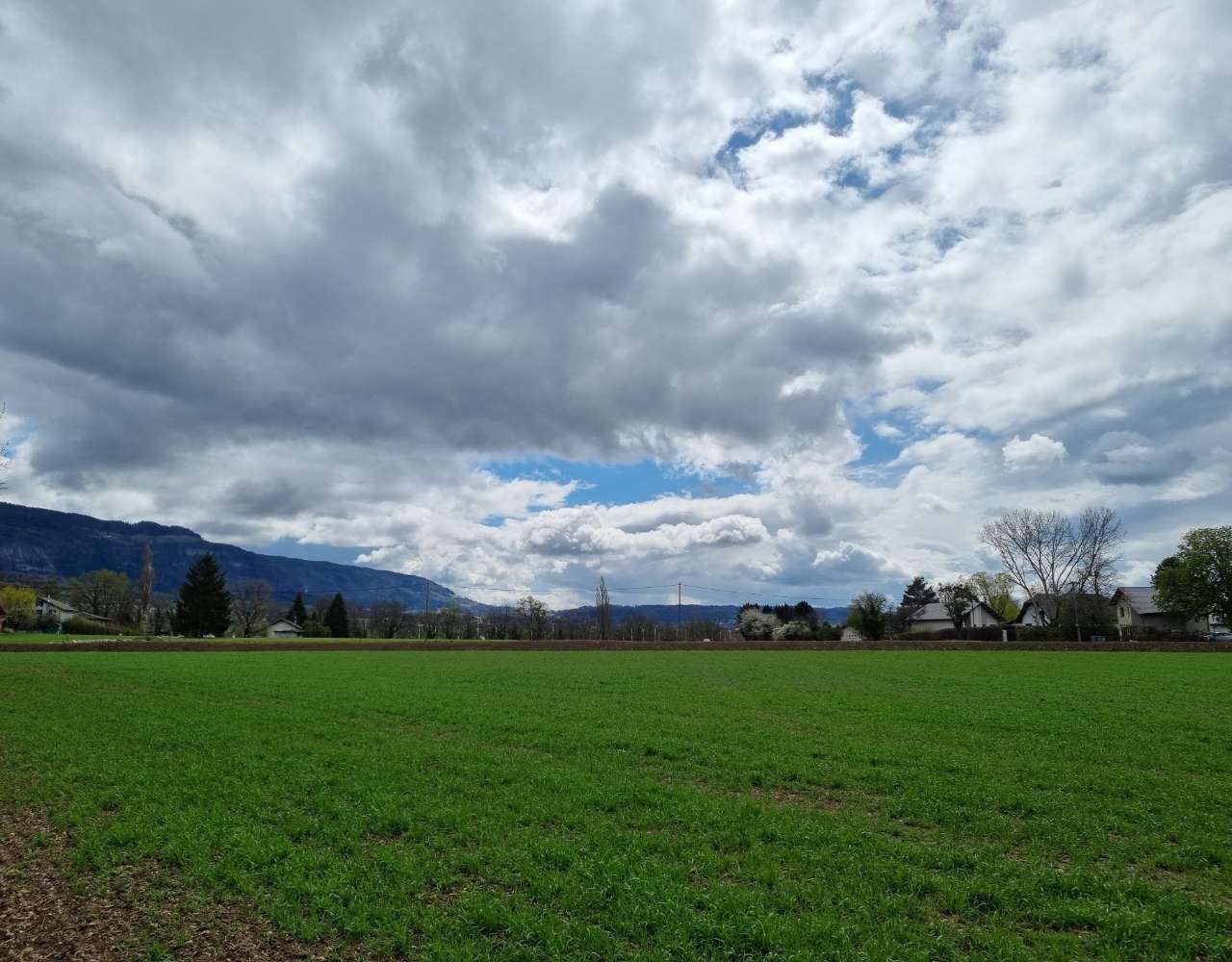
I live close to nature. I regularly go for a run in the countryside. Over several years, during my runs, I’ve taken pictures from the same position, always roughly the same angle. I had a vague idea in the back of my mind, as an "artistic" project. One day, I’d turn those photos into a time-lapse video, one that would show the passage of seasons across a single place.
Spoiler, here’s the work in progress:
However, I knew that this project would take ages. I have no experience in image manipulation and video making. My knowledge of codecs is that the movie I have doesn’t play on my Internet box.
The amazing progress in coding assistants made this project possible. I hate the term "vibe coding", and I hope I provided accurate technical direction, but I admit I didn’t do anything on my own. I just fed my instructions to the assistant, and it did the job.
In this multi-part series, I aim to reflect on my actions. There’s no reason why we can’t have a useful retrospective in LLM-assisted projects.
In any regular project, choosing your stack is the most important part. You can refer to /choosing-dependency/[Choosing a dependency^] for them. Vibe-coding adepts will gladly tell you that code is not an asset anymore, but that you can (and should) discard it and start from scratch at every iteration.
After describing my idea and its foundation, I asked the assistant whether to choose between the JVM, Python, or any other stack. It chose Python. At several steps in the process, I asked it to reassess its choice again. Still Python.
My argument for performance got rebuked:
The performance argument doesn’t apply. The slow parts — OpenCV operations, neural inference — run as C++/CUDA/Metal underneath regardless of whether you call them from Python or Java. Python’s interpreter overhead is irrelevant here.
To keep things in check and help the assistant, I enforce types and tests.
The project is fundamentally a processing pipeline. Steps are:
- Inventory: glob all configured directories for photos and extract EXIF metadata, date, focal length, GPS coordinates.
- Filter: keep only photos taken within 100 metres of a configured reference GPS point. Many photos lacked GPS data entirely, those are dropped.
- Align: warp each photo so it looks like it was taken from exactly the same angle as a reference image. This is the hard part, and it gets its own post.
- Order: sort the aligned frames according to a simple algorithm. I chose by day-of-year and time-of-day to assemble a composite year from photos taken across multiple real years.
- Render: encode the ordered frames into a video.
The pipeline is driven by a config file at the project root:
[input]
dirs = ["/path/to/photos/1", "/path/to/photos/2"]        (1)
extensions = [".heic", ".jpg", ".jpeg"]                  (2)

[reference]
dir = "reference"
latitude = 46.135536
longitude = 6.111831

[filter]
gps_radius_m = 100.0

[output]
fps = 12
blend = true| 1 | The autosave application changed its default location |
| 2 | I changed my phone as well |
GPS coordinates are mandatory. The pipeline fails early if they’re missing. Without them, the filter step has nothing to anchor to.
To iterate more quickly, I weaved in a --sample flag to run the full pipeline on a random subset of photos.
A full run processes hundreds of images and takes minutes;
a 50-image sample takes seconds.
Iterating on the alignment code was initially too time-consuming without sampling.
The inventory, filter, order, and render steps are largely straightforward. Alignment is not. In the next part, I’ll describe how I went from a naive approach that produced wobbly, misaligned frames to a neural matcher that gets most frames right.